
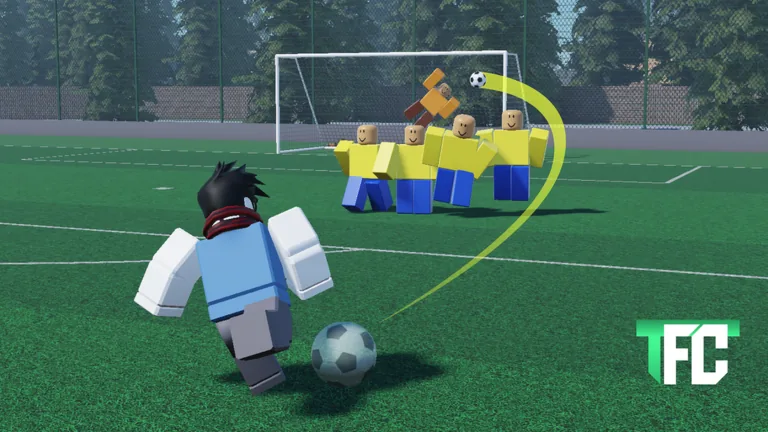
Check the code field after the tutorial
To redeem a code in That Freekick Challenge, finish the introductory tutorial, open Misc, choose Settings, scroll to the code field, and press Redeem after entering the code. Two TFC-specific guide sites describe this path. If your current interface has moved, follow the visible settings and code labels in the live game rather than an older screenshot.
The code lists below were published on September 24, 2026, and they disagree on some entries. Try each code in game before counting on its reward. A successful redemption and a changed balance are the checks that matter.
| Code reported by Pro Game Guides | Reward it reported | Also listed as active by Destructoid? |
|---|---|---|
EZGOAL | 100,000 Coins | Yes |
FASTBOI | 100,000 Coins | No |
TFC50K | 50,000 Coins | No |
PERKSSSS | 1 Perk Point | No |
RELEASE | 10,000 Coins | Yes |
The disagreement does not prove that the other three codes are invalid. A code can expire between two editors’ checks, and guides may be updated at different times. It does mean you should avoid budgeting Coins or a Perk Point until the game confirms the redemption.
Redeem in a clean sequence
- Open the official TFC Roblox page and enter the experience.
- Complete the tutorial if this is your first visit.
- Open Misc, then Settings. Find the code entry near the bottom of that panel, as described by the two TFC guides.
- Copy one code exactly, with no extra spaces. Submit it once and read the game’s response.
- Check your displayed Coins or Perk Points before trying the next code.
If the button is absent, first confirm you have finished the tutorial. If it is still absent, use the game’s current settings interface and check for a recent layout change. Rejoining once can also distinguish a stale client view from a code issue, but do not assume that rejoining makes an expired code active.
Why a code can fail
A failure message can mean the code expired, was already used on your account, was entered with a typo, or is no longer accepted by the current build. Test the simple possibilities in order: copy the exact uppercase spelling, remove leading and trailing spaces, ensure you are in That Freekick Challenge (TFC) rather than another free-kick game, and confirm that you are using the code box rather than chat.
Do not spend time trying old “expired” lists as if they were a hidden bonus. Both guide sites identify older codes such as OGALPHA, OG1000, RELEASE200, and FREETROLL as inactive. That status can change only if the developer reactivates them; a public list is not proof of a new redemption window.
The safest way to track new codes is to compare fresh announcements with the live redemption result. Community posts can be useful leads, but they are not the final authority on whether your account receives a reward.
What the rewards are for
TFC-specific guides describe Coins, Perk Points, and cards. One guide says cards can affect accuracy, precision, power, and curl. Check your live inventory or shop before spending a new reward, because card offerings and prices are version-sensitive. A code’s reward can help you try a setup sooner, but it will not replace learning to read the wall, goalkeeper, guide, and power display.
FAQ
Are these codes confirmed active right now?
No. They were reported on September 24, 2026, and the two lists disagree. Test each code in the current game.
Where is the code box?
TFC guides place it under Misc → Settings after the tutorial. Check the current interface if that layout has changed.
Does capitalization matter?
Copy the code exactly as displayed, including capital letters, and remove accidental spaces.
What if a code gives no reward?
Read the game’s response, check whether you already redeemed it, and verify your balance before trying another code.